

Adobe Acrobat Reader: Edit PDF

Adobe Acrobat Reader: Edit PDF App Info
-
App Name
Adobe Acrobat Reader: Edit PDF
-
Package Name
com.adobe.reader
-
Developer
Adobe -
Category
Productivity -
Updated
2026/04/24
-
Version
26.4.0.44605
Adobe Acrobat App
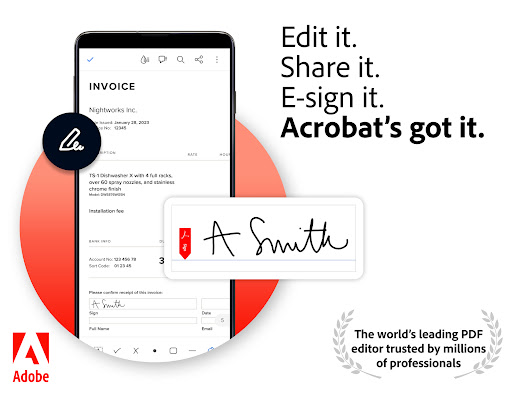
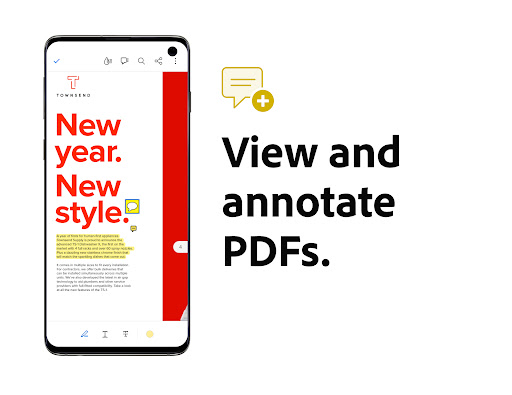
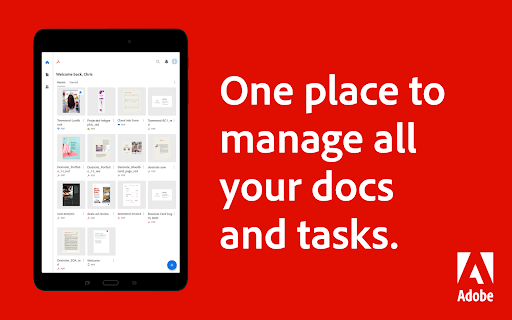
The Adobe Acrobat Reader mobile app is designed for easy and efficient handling of PDF documents, and it is the world's most trusted PDF reader and editor with more than 635 million installs. This mobile app is an all-in-one platform that allows users to view, share, annotate, sign documents, and add comments without any ads. With Adobe Acrobat Reader, you can store your files online and read documents anywhere. This app is available on both mobile and web platforms, and you can enjoy premium features with a subscription.
Features of Adobe Acrobat
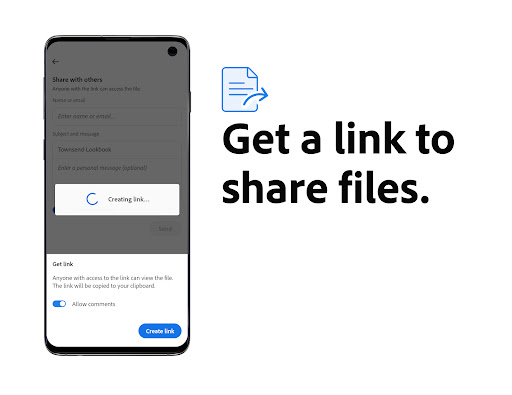
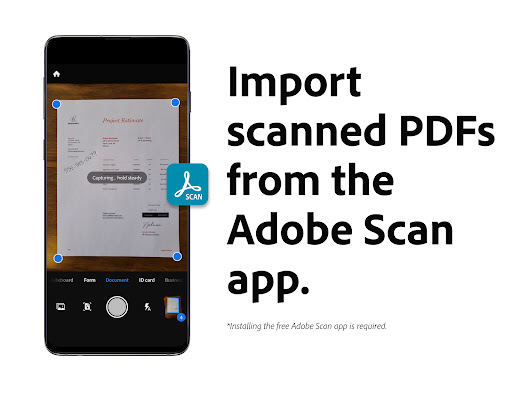
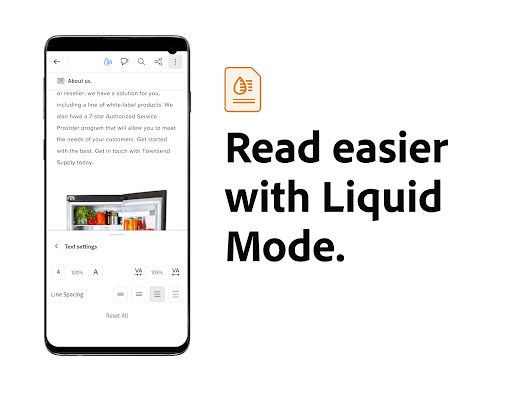
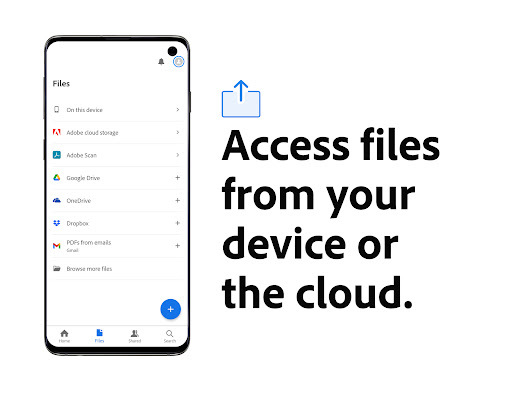
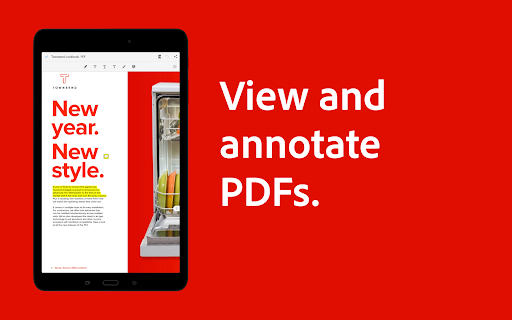
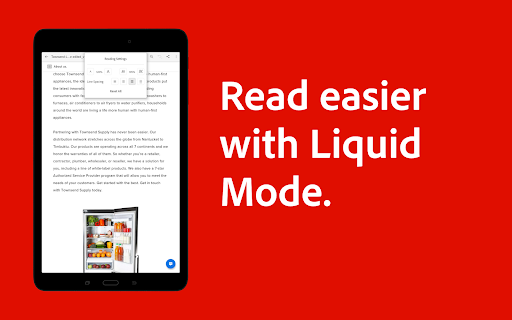
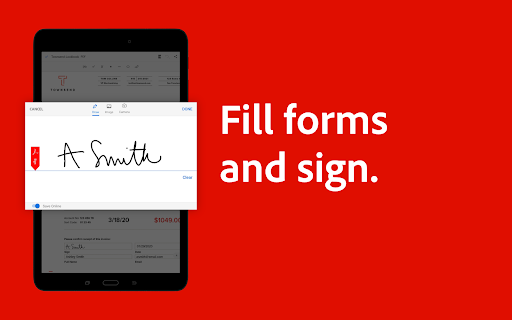
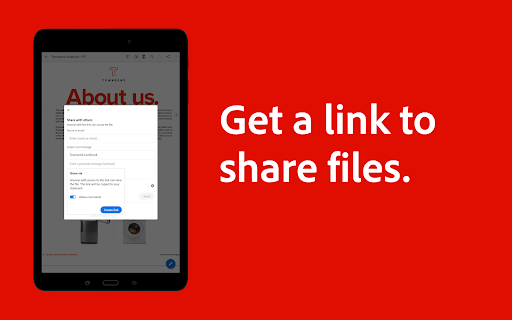
The Adobe Acrobat Reader mobile app offers a wide range of features that make working with PDFs easy and hassle-free. With the free-to-use features, you can view and print any PDF, use liquid mode for optimal PDF viewing, share PDFs and collaborate, annotate PDFs, fill out and sign forms, and store and manage files. You can also connect the PDF reader to Google Drive to access PDFs and other files easily.
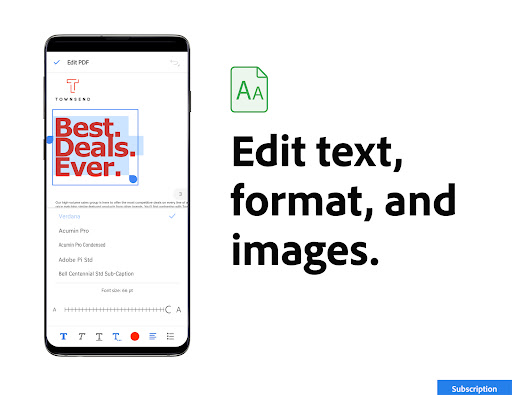
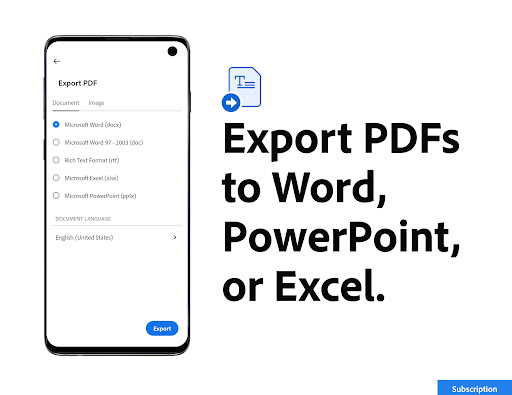
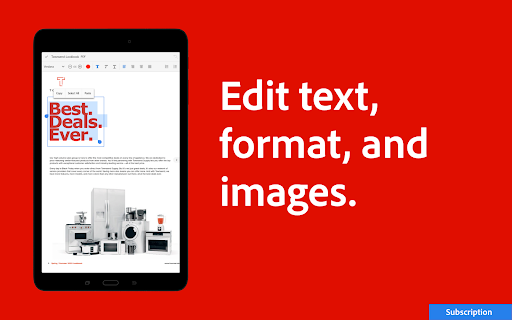
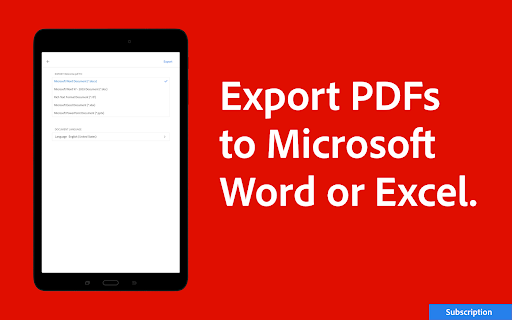
With a premium subscription, you can access even more features, including the ability to edit PDFs directly on your mobile device, merge and organize PDFs with the PDF converter, create, convert, and export PDFs, and highly secure PDFs.
FAQ
Q: Can I use Adobe Acrobat Reader without an internet connection?
A: Yes, you can use Adobe Acrobat Reader without an internet connection as long as you have downloaded the files beforehand.
Q: Is Adobe Acrobat Reader safe to use?
A: Yes, Adobe Acrobat Reader is completely safe to use. Adobe takes security and data privacy very seriously and follows strict security protocols.
Q: Are there any hidden fees?
A: No, there are no hidden fees for using Adobe Acrobat Reader. You can enjoy the free-to-use features or opt for the premium subscription for additional features.
Editor's Note
The Adobe Acrobat Reader mobile app is a comprehensive and reliable PDF reader and editor that is truly the best on the market. With the ability to access documents from anywhere and collaborate easily with others, this app is perfect for both personal and business use. The free-to-use features are impressive, but the premium subscription offers even more options for those who need it. Overall, Adobe Acrobat Reader is a top-notch app that is definitely worth checking out.


