

CapCut - Video Editor
CapCut - Video Editor App Info
-
App Name
CapCut - Video Editor
-
Package Name
com.lemon.lvoverseas
-
Developer
Bytedance Pte. Ltd. -
Category
Video Players & Editors -
Updated
2026/04/20
-
Version
17.5.0
App Review
The CapCut - Video Editor app is designed for content creators and everyday users who want to easily edit videos on the go. With its intuitive functionalities, CapCut - Video Editor app aims to cater to a diverse target audience ranging from TikTok enthusiasts to YouTube vloggers. The app's primary goal is to empower users to create stunning videos effortlessly while offering a range of features suitable for both beginners and advanced editors. Whether it's a casual user wanting to share cherished moments with friends or a dedicated influencer aiming to captivate an audience, CapCut - Video Editor app delivers an accessible editing experience for everyone. 📱
4 Reasons to Download
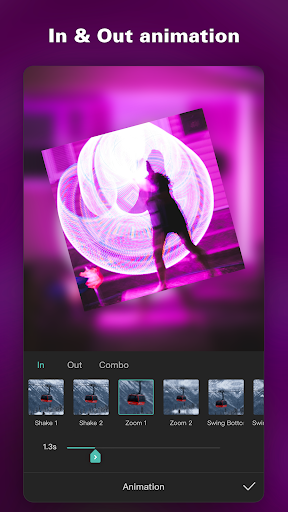
1. Keyframe Animation: The capability to use keyframe animation in the CapCut - Video Editor app allows for precision control over video clips, letting users create dynamic animations tailored to their vision. This feature enhances storytelling through visual effects that keep viewers engaged.
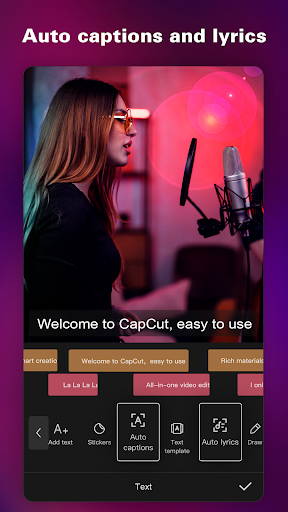
2. Auto Captions: With CapCut - Video Editor app's auto captions feature, users can automate the process of adding subtitles, significantly increasing accessibility and engagement for viewers. This is particularly helpful for those who watch videos on mute or who are hearing impaired. 🙌
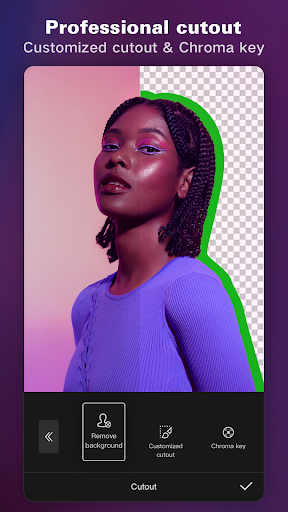
3. Background Removal: The background removal tool simplifies the editing process by allowing users to focus on the main subject without any distractions. This feature is invaluable for content creators looking to add a professional touch to their videos without requiring advanced skills.
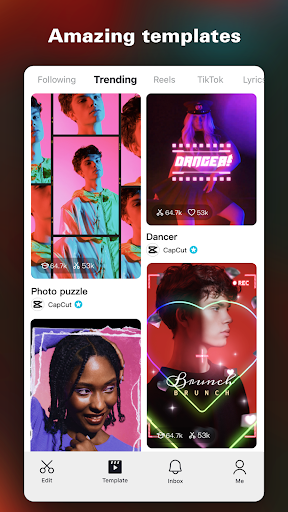
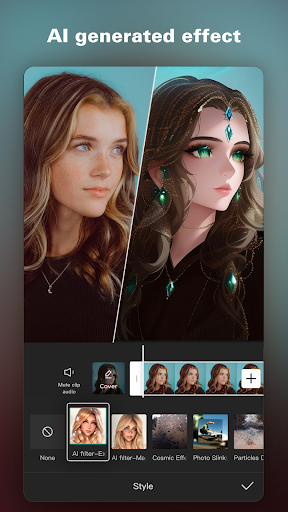
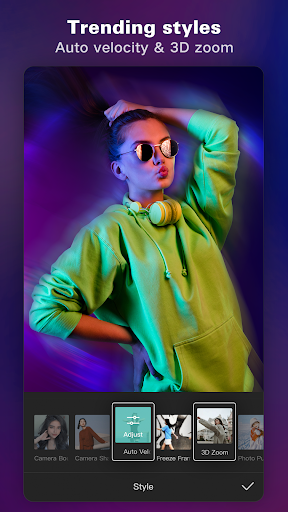
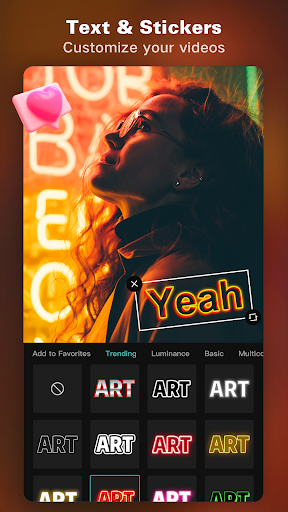
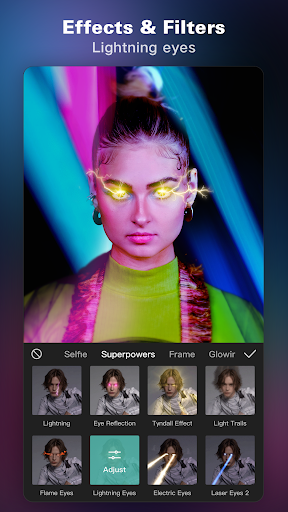
4. Trending Effects & Filters: The app comes with a plethora of trending effects and filters that are updated weekly, allowing creators to stay current with the latest styles. By matching video content with these trendy aesthetics, users can enhance their work and attract a wider audience on platforms such as TikTok, YouTube, and Instagram. 🎨
User Experience
The overall design and user interface of the CapCut - Video Editor app are sleek and modern, making it visually appealing. The layout is straightforward and user-friendly, particularly for new users who may feel overwhelmed by complex editing tools. Navigating through basic and advanced features is seamless, allowing for an efficient workflow. This ease of use encourages creativity without a steep learning curve, making it easy to download the CapCut - Video Editor app and start creating right away. 🌟
The Final Verdict
In conclusion, the CapCut - Video Editor app offers a multifaceted approach to video editing, combining fundamental editing functionalities with advanced features in a secure and free format. Its intuitive interface and diverse tools cater to both novice and seasoned creators alike. With a rating of 4.5 out of 5 stars, I highly recommend installing the CapCut - Video Editor app if you're looking for a versatile video editing solution that seamlessly integrates with platforms like TikTok, YouTube, and Instagram. Don't miss out on the chance to elevate your video content—download the CapCut - Video Editor app today! 🌈


